
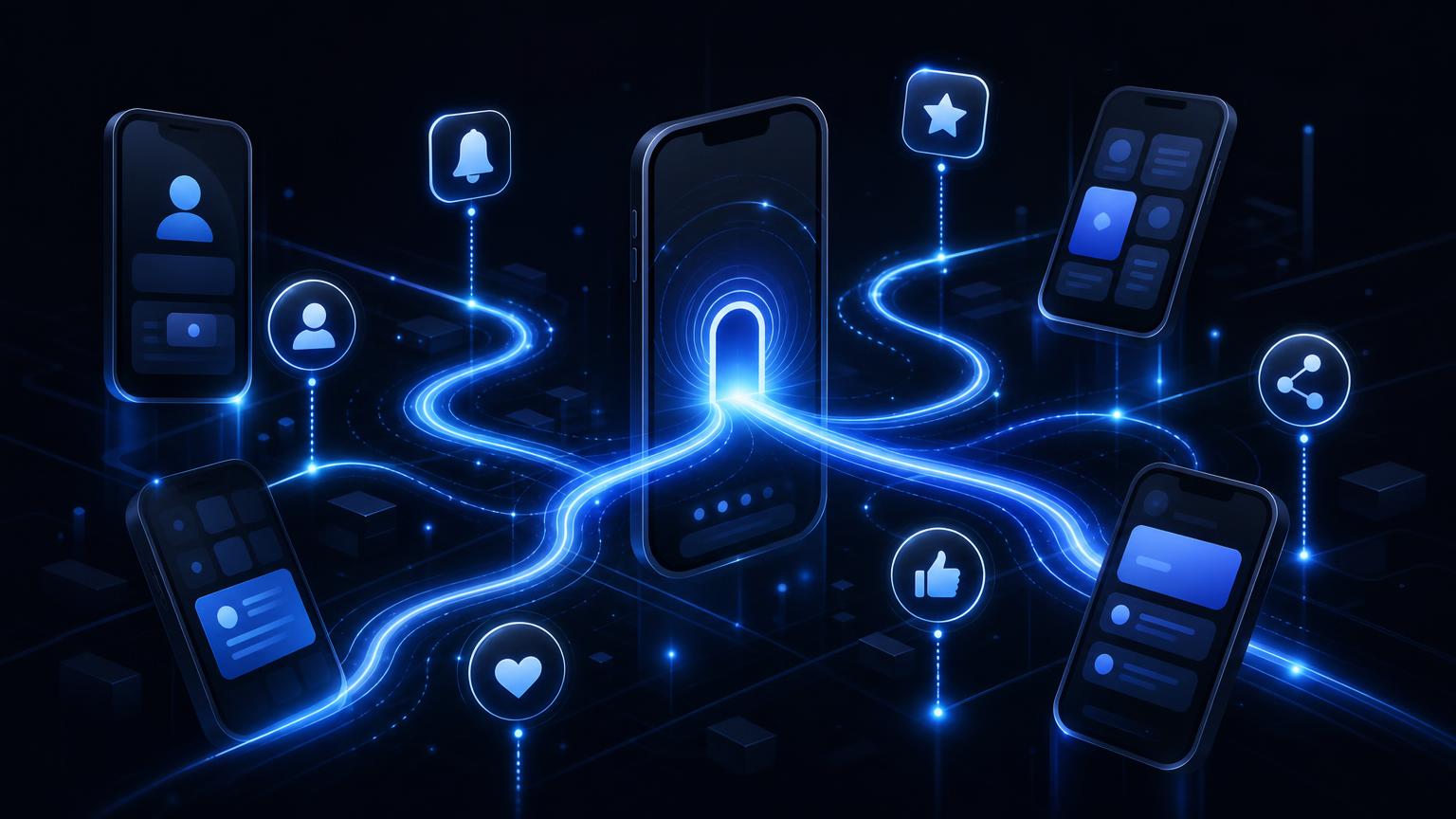
Unlocking the Power of Deep Linking in Mobile Apps
Explore how deep linking transforms user engagement in mobile apps, with real-world examples and solutions from Deeplink platform.
Unlocking the Power of Deep Linking in Mobile Apps
In today's mobile-first world, engaging users and guiding them seamlessly through your app is more critical than ever. Deep linking offers a powerful solution to this challenge, enabling direct navigation to specific content within an app and enhancing overall user experience.
What is Deep Linking?
Deep linking is a technology that connects a hyperlink to a specific, generally searchable or indexed, piece of web content within a mobile app. Unlike traditional URLs, deep links take users directly to a particular location within an app, bypassing the need for extensive navigation.
Types of Deep Linking
There are several types of deep linking, each tailored to different scenarios:
- Traditional Deep Linking: Works when the app is already installed on the device. It uses a URL to point to specific content.
- Deferred Deep Linking: Directs users to content even if the app is not installed. It first prompts the user to download the app and then navigates to the desired content.
- Contextual Deep Linking: Retains data about the user’s journey through the link, allowing for a personalized app experience upon arrival.
Why is Deep Linking Important for Mobile Apps?
Enhancing User Experience
Deep linking enhances user experience by providing a seamless transition from web to app or from one app section to another. Users can skip cumbersome login screens or onboarding processes and be taken directly to the content they seek.
Increasing Conversion Rates
By reducing friction in the user journey, deep linking can significantly increase conversion rates. Users are more likely to complete a desired action, such as making a purchase or signing up for a service, when the process is direct and intuitive.
Facilitating App Re-engagement
Deep linking can also be used to re-engage dormant users. For example, a personalized push notification containing a deep link can bring users back to your app, directly to a sale or special offer they might be interested in.
How Does Deeplink.in Enhance Deep Linking?
Deeplink.in provides a robust platform that simplifies the integration and management of deep links across various devices and platforms. Here’s how it stands out:
Seamless Integration
The Deeplink platform offers easy-to-use SDKs and APIs that allow developers to integrate deep linking capabilities without hassle. This ensures that users have a consistent experience across different platforms and devices.
Advanced Analytics
With Deeplink.in, businesses can gain insights into user behavior through comprehensive analytics. This data helps in understanding which links are most effective, enabling businesses to refine their strategies for better engagement.
Real-World Examples of Deep Linking
Example 1: E-commerce App
Imagine a scenario where a user receives an email about a sale on a favorite brand's sneakers. By clicking a deep link, the user is taken directly to the product page within the app, bypassing the homepage and search process. This not only enhances the user experience but also increases the likelihood of a purchase.
Example 2: Content Streaming Service
A streaming service can use deep linking to guide users to specific episodes or movies directly from promotional campaigns. A deep link in a social media post about a new show can take users directly to that show’s page in the app, encouraging immediate viewing.
How to Implement Deep Linking in Your App
Step 1: Choose the Right Type of Deep Linking
Analyze your app's requirements to decide whether traditional, deferred, or contextual deep linking is most suitable.
Step 2: Use a Platform like Deeplink.in
Leverage the capabilities of Deeplink.in to implement deep links efficiently. Their platform provides tools to create, manage, and measure the effectiveness of deep links.
Step 3: Test and Optimize
Ensure your deep links work across all devices and scenarios. Regular testing and optimization will improve the overall functionality and user satisfaction.
Conclusion: Start Deep Linking Today
Deep linking is a vital tool for any mobile app looking to optimize user experience and engagement. By implementing deep linking strategies, businesses can enhance their app’s effectiveness and drive conversions. Get started with Deeplink.in and transform the way users interact with your app.
| Feature | Deeplink.in | Other Platforms |
|---|---|---|
| Easy Integration | ✓ | ✓ |
| Analytics and Insights | ✓ | ✗ |
| Cross-Platform Support | ✓ | ✓ |
Frequently Asked Questions
What is deep linking?+
How does deep linking improve user engagement?+
Can I use deep linking if my app isn't installed?+
Ready to implement deep linking?
Deeplink gives you deferred deep linking, Android App Links, and iOS Universal Links — with a dashboard, REST API, and analytics.